Auto Repair Shop Software, Built by a Shop That Still Turns Wrenches
Shop Desk runs the whole job, from the first call to the paid invoice. Supercanic's mechanics built it and work on it every day, in the bay and in the driveway. You can start on it free tonight.
Free plan, not a trial. No card. We look at every new shop ourselves and switch it on, usually the same day.
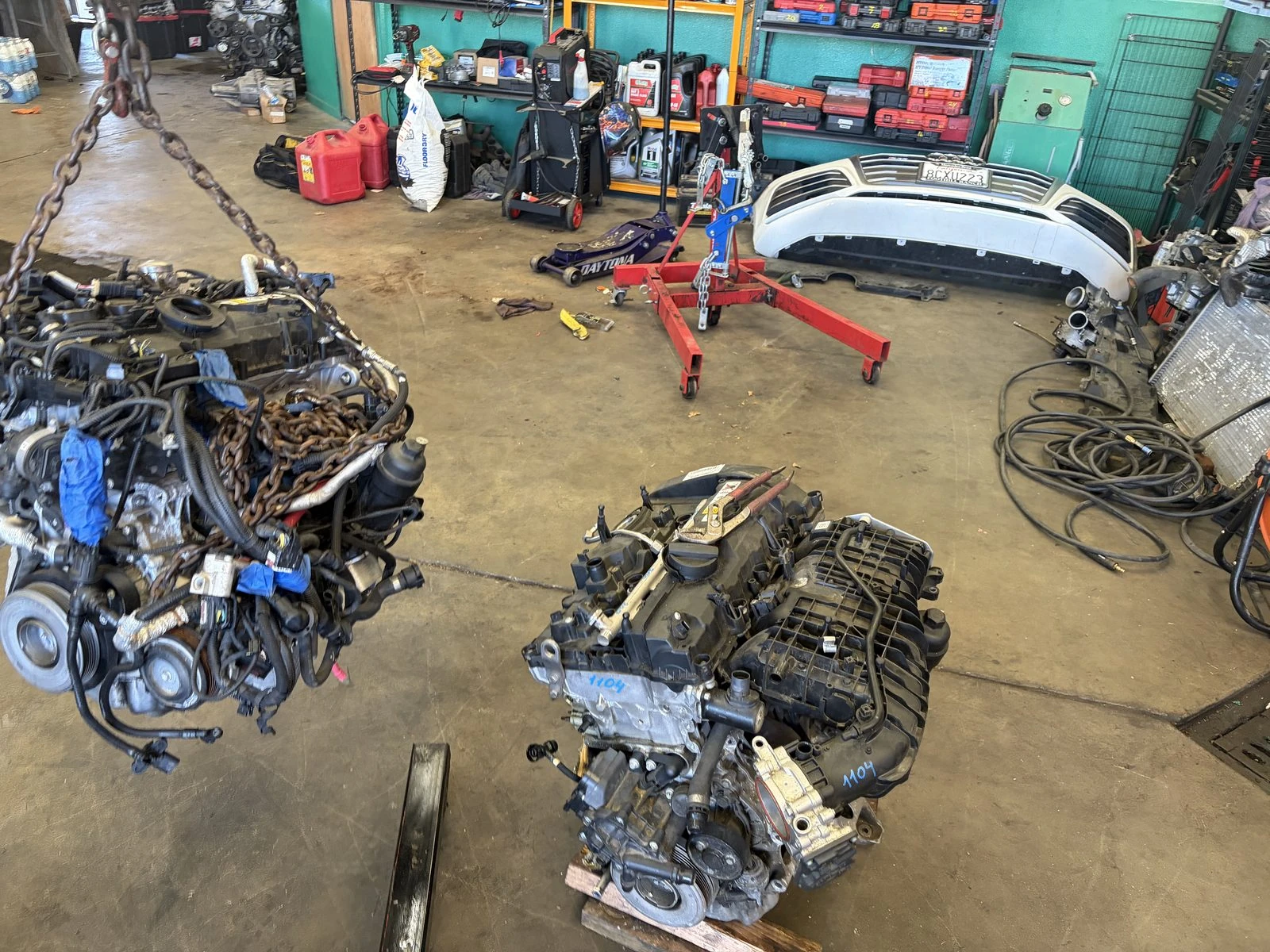
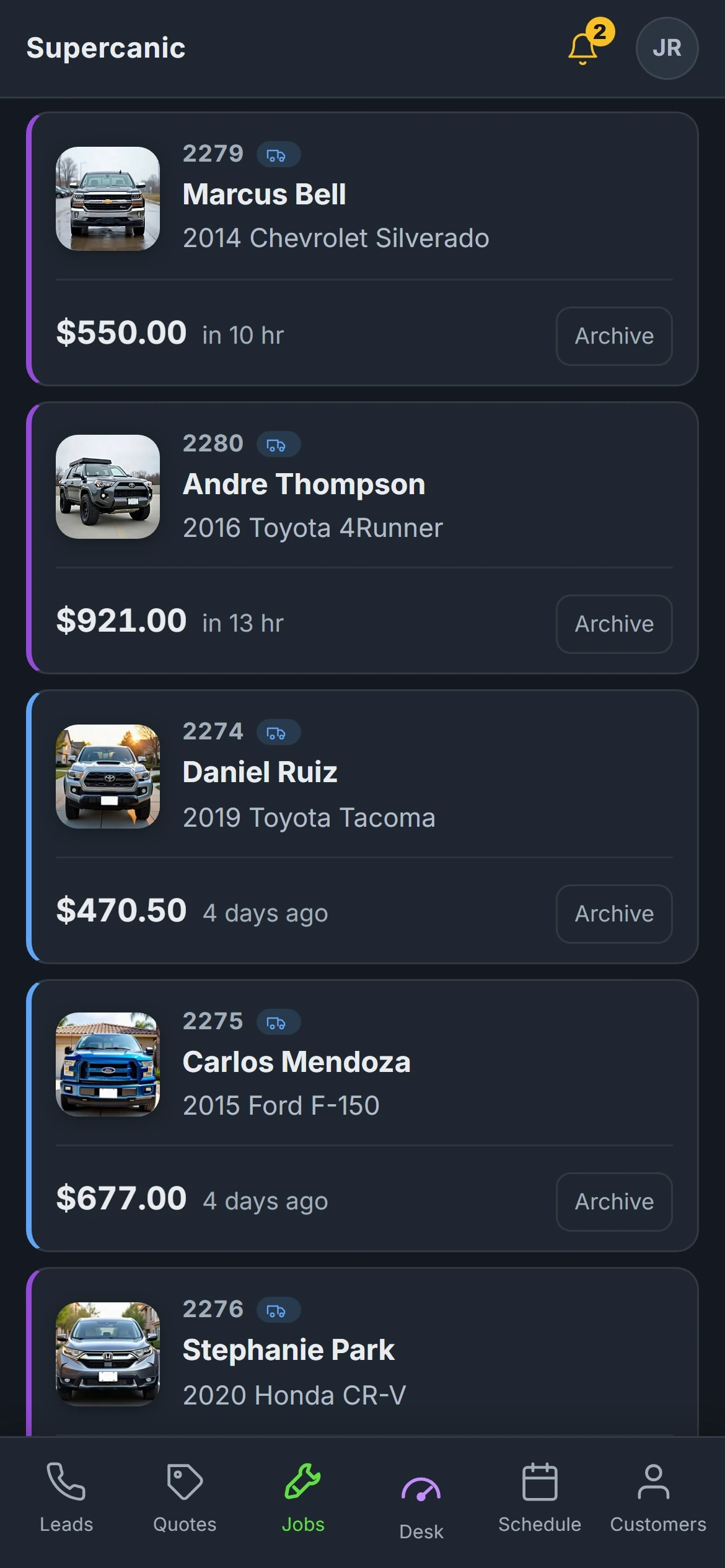
One Desk From the First Call to the Money In
Most shop software was built for a front counter with a desktop computer on it. Ours was built on a phone, because half our work happens in somebody's driveway.
It holds the line every job moves down. The lead, the quote, the yes, the work, the invoice and the payment. Each step is a screen, and the desk will not let a job skip one.
The board
One line of numbers at the top. Calls nobody answered, quotes not sent, quotes not approved, work in the bay, work not billed. Tap a number and you get the list.
Quotes and the yes
The customer gets one page on their phone with the photos on it. They tap yes and sign. The signature is kept with the time it happened.
The technician walk
Ten steps on a phone, from starting the job to getting paid. The job cannot start until the customer has said yes.
Inspections and photos
A digital inspection at the car, and every photo filed on the job. Search them later by car, customer or caption.
Invoices and payroll
The invoice is built from the job that was approved. Pay runs off the same jobs, flat rate, hourly or commission.
The phone
On Pro, a missed call gets a text back within minutes, inside your shop hours. How the text back works.
Watch One Job Go All the Way Through
A quote goes out. The customer taps yes on their phone. The job lands on the board. The invoice gets paid. That is the loop a shop lives in, and this is it running on real screens.
Real screens from our own shop. Names and plates are changed. Watch it on YouTube.
Want to click around first? Open the customer page demo, walk a made up shop's full day, or watch the front desk answer a text.
Built for the One Van Shop and the Four Bay Shop
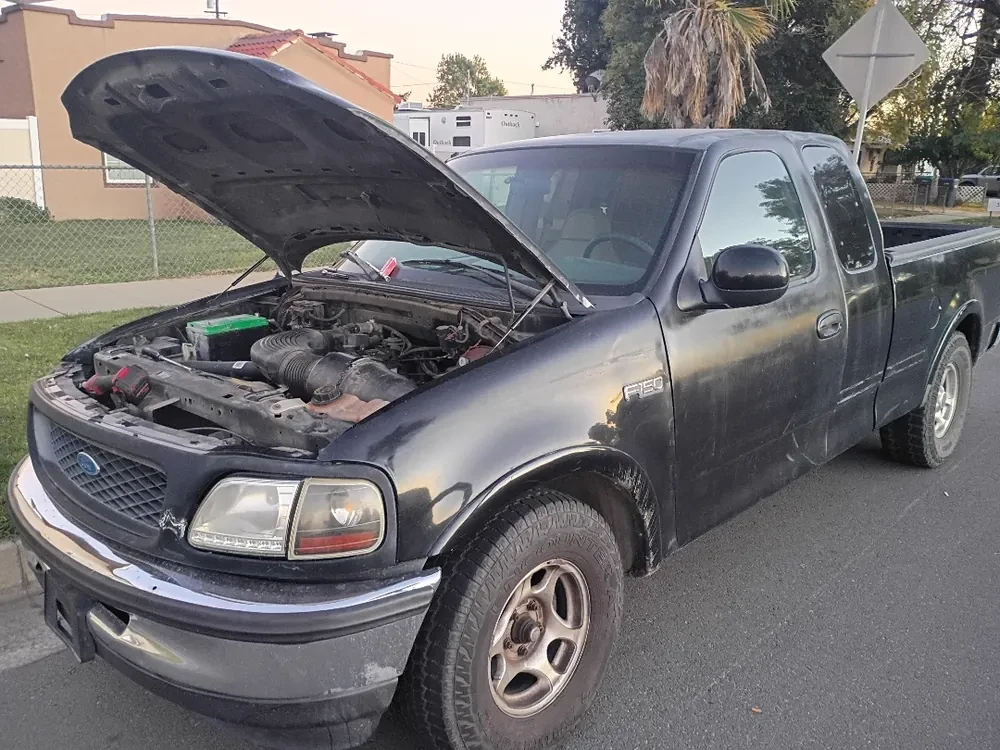
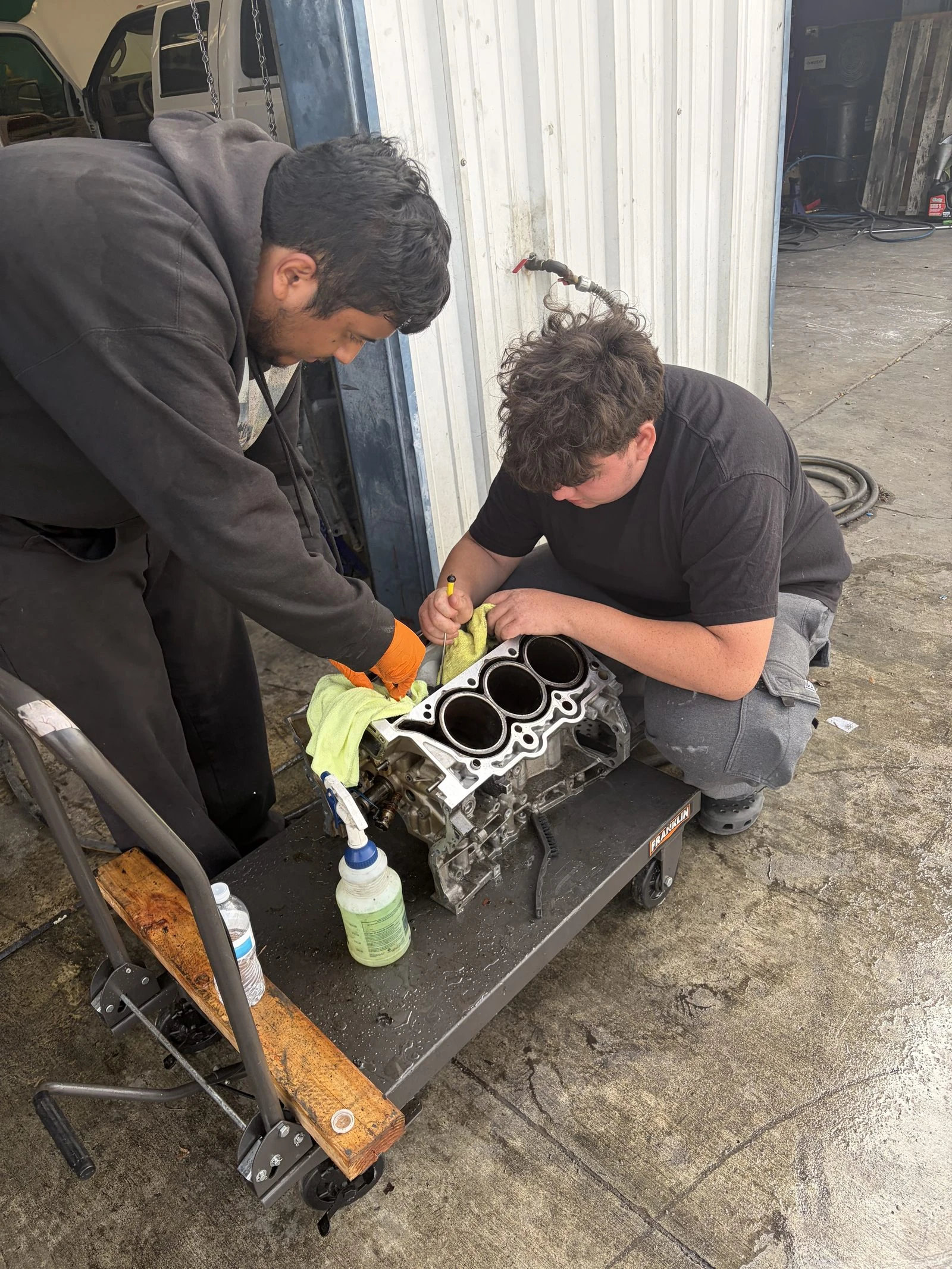
Supercanic is a working repair shop in San Jacinto, California, with mechanics on the road across Riverside County. Every screen in Shop Desk exists because the shop needed it that week.
The first outside shop on it was a solo owner in Rio Rancho, New Mexico, who is the counter and the tech at the same time. That is the shape we design for. A feature that only works when you have a separate service advisor is a feature most shops never reach.
- Mobile mechanics working out of one van
- Independent shops with a few bays
- Shops that do both, like ours
Two Plans. One of Them Is Zero.
No card is taken at sign up on either plan. Pro works out to a little under $5 a day. Compare that with what the big systems publish: on 3 October 2026 their entry plans started at $199 to $239 a month, and none of the three offered a free plan. See the honest comparison.
Free
$0
Forever. Not a trial, and no card at sign up.
- The job board, quotes and the technician walk
- Quotes the customer approves and signs on their phone
- Digital inspections and the photo hub
- The customer page, with no app and no password
- VIN decode, recall lookups and the repair AI
Pro
$149
A month. A little under $5 a day.
- Everything in Free
- Your own texting number, set up by us
- Missed call text back and the follow up texts
- Invoicing and payroll on flat rate, hourly or commission
- Card payments on your own gateway, after a short setup call
Prices read from our own sign up page on 3 October 2026. Cancel at the end of any month. Cash, check and transfer can always be recorded against an invoice. Taking cards needs your shop on its own payment gateway, which is a short call with us, so it does not happen on day one.
Read Out of Our Own Desk, Not Off a Brochure
We publish the dates so you can tell stale from honest. These are counts from the same software you would be using.
1,875
jobs written on our own Shop Desk account
1,083
jobs our shop finished in the twelve months to 15 September 2026
19
technicians on the books, paid through the payroll in the desk
5,035
calls and texts on our shop lines in the first half of September
Read from our own desk on 15 September 2026.
What It Does Not Do Yet
We would rather you hear it here than find it in week two. These are true on 3 October 2026.
- No parts catalog search or ordering. Your suppliers sit on the Parts screen in the order you call them, with your markup.
- No QuickBooks sync and no self serve import. If you want your history moved, we talk it through and do it.
- No App Store app yet. It runs in the browser and installs to your home screen.
- Labor guides are links to your own ProDemand or ALLDATA account. We add an AI suggested labor time you accept or edit.
- Cards need your own payment gateway, set up on a short call. You cannot take cards on day one.
- One account is one shop. Multi location is not built.
Questions Shop Owners Ask First
What is the best software for a small auto repair shop?
Is Shop Desk really free?
Does it work on a phone?
Who built Shop Desk?
Can I move my customers over from another system?
Do you sell my customers to other shops?
Read the Part You Came For
- Mobile Mechanic SoftwareRun the van from your phone
- Free Auto Repair SoftwareWhat is free, and what is a trial
- Missed Call Text BackAnswer the call you could not take
- Shop Desk vs TekmetricFor a small or mobile shop
- Shop Desk vs ShopmonkeySeats, fees and texting
- Shop Desk vs AutoLeapSetup fees and the AI phone
- How to Start a Mobile Mechanic BusinessThe order to do it in
Ask a Mechanic Who Uses It
Not ready to sign up? Tell us how your shop runs and what your software gets wrong today. One of us will call you back, and we will tell you straight if Shop Desk is not the right fit.
- A person reads it, usually the same day
- No sales sequence and no drip emails
- We run our own shop on this software
Rather email? Write to hello@yourshopdesk.com