Mobile Mechanic Software, Built by Mobile Mechanics
Quotes, signed approvals, parts, manuals, texting, invoices and payment, all on the phone in your pocket. We built it inside our own mobile shop, we run on it every day, and you can start on it free.
Free plan, not a trial. No card. We look at every new shop ourselves and switch it on, usually the same day.
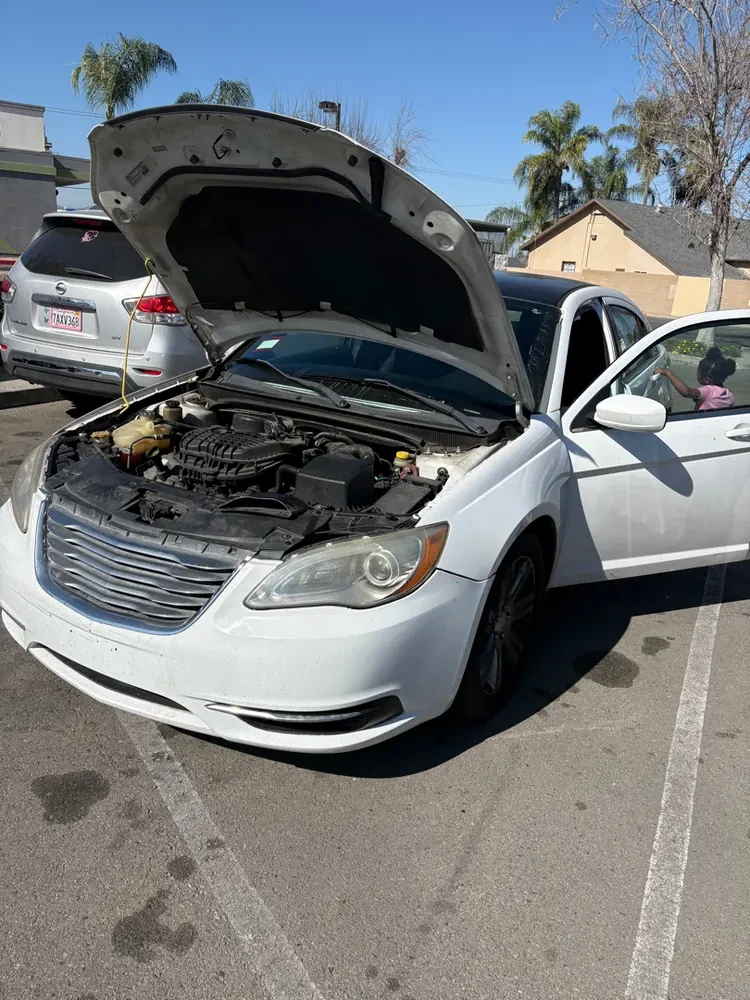
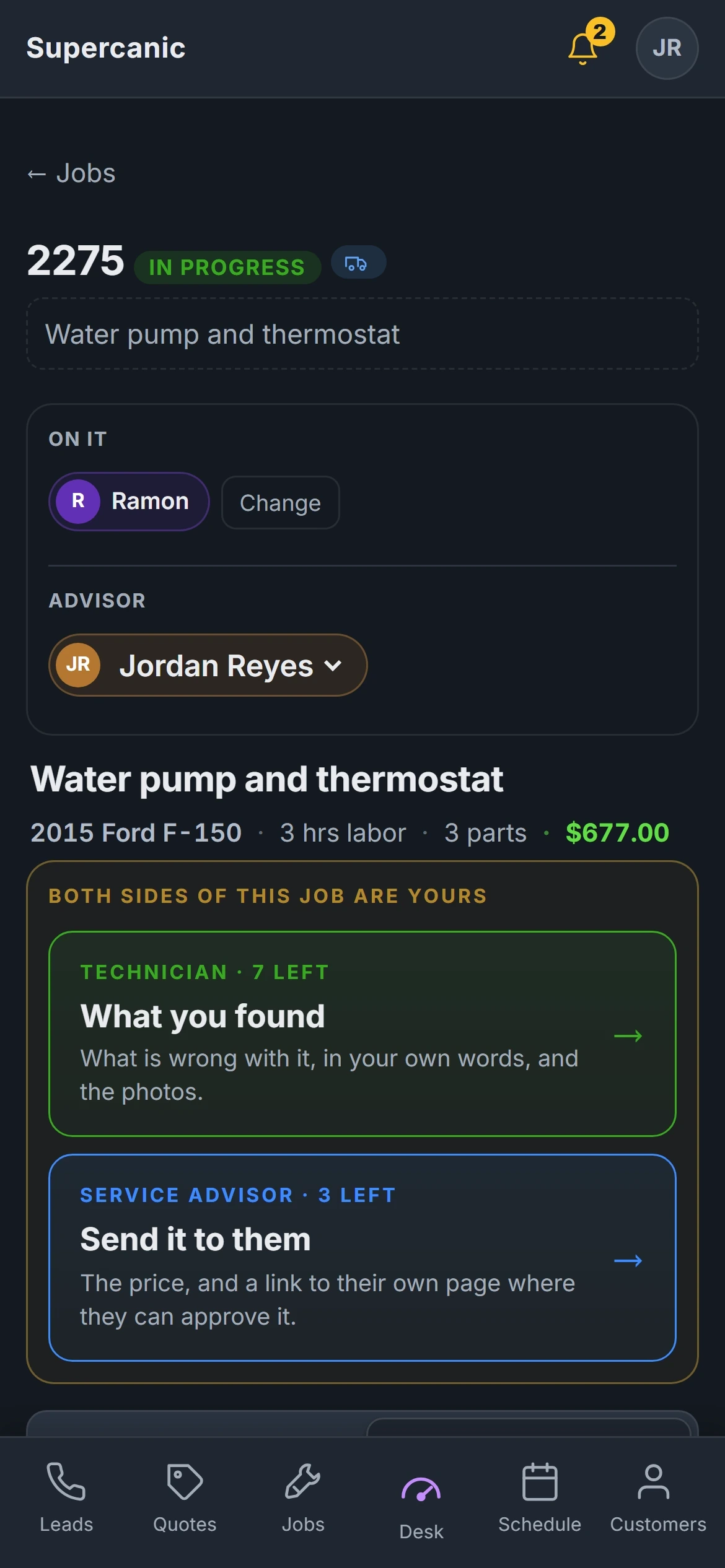
The Quote, the Yes, the Work, the Money. In the Driveway.
A mobile mechanic does the counter's job and the tech's job from the same phone, usually with dirty hands. So the desk is built around one loop and makes each step a single screen.
The customer gets the quote on their phone with your photos on it. They tap yes and sign. The job will not start until they have, which is how a comeback stays a record and not an argument. When the work is done, the invoice is built from what they approved, so the total they agreed to is the total they pay.
Quote at the car
Price it off your own labor rate and your real parts cost, with photos on each line.
Get the yes
One page on their phone. They tap yes and sign. The time is kept.
Do the work
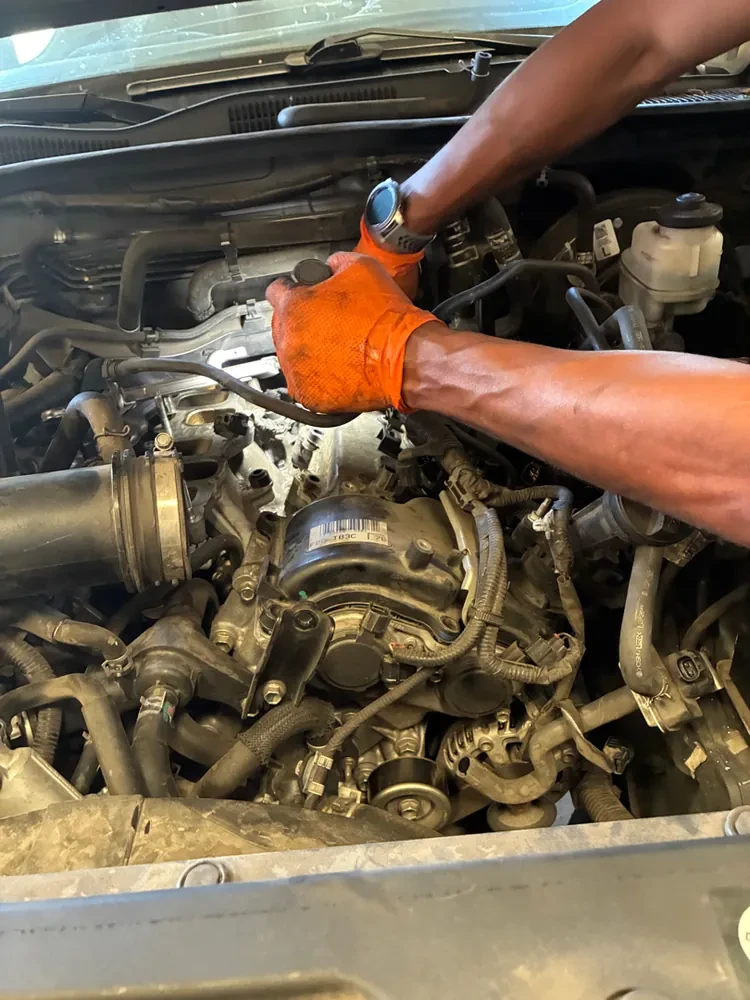
The ten step walk on your phone, from the arrival photo to the finished job.
Get paid
The invoice comes from the approved quote. Payment closes the job.
Real screens from our own shop. Names and plates are changed. Watch it on YouTube.
The Call You Miss at Six Is the Job You Lose by Eight
You cannot answer the phone with an impact gun in your hand. On Pro, when a call rings out, the desk texts that caller back within minutes and asks the two questions you would have asked. What is it doing, and what is the vehicle?
It only texts inside your shop hours, in your time zone. It sends one follow up five minutes later if they go quiet, and never a third. It stops the moment a person replies, and it never quotes a price nobody approved. Customer texts can relay to your cell, and your reply goes back out on the shop line, so your personal number stays yours.
- Off until you switch it on
- Needs Pro and a shop texting number, which we set up
- The full text back page
Today's Jobs, the Map and the Way There
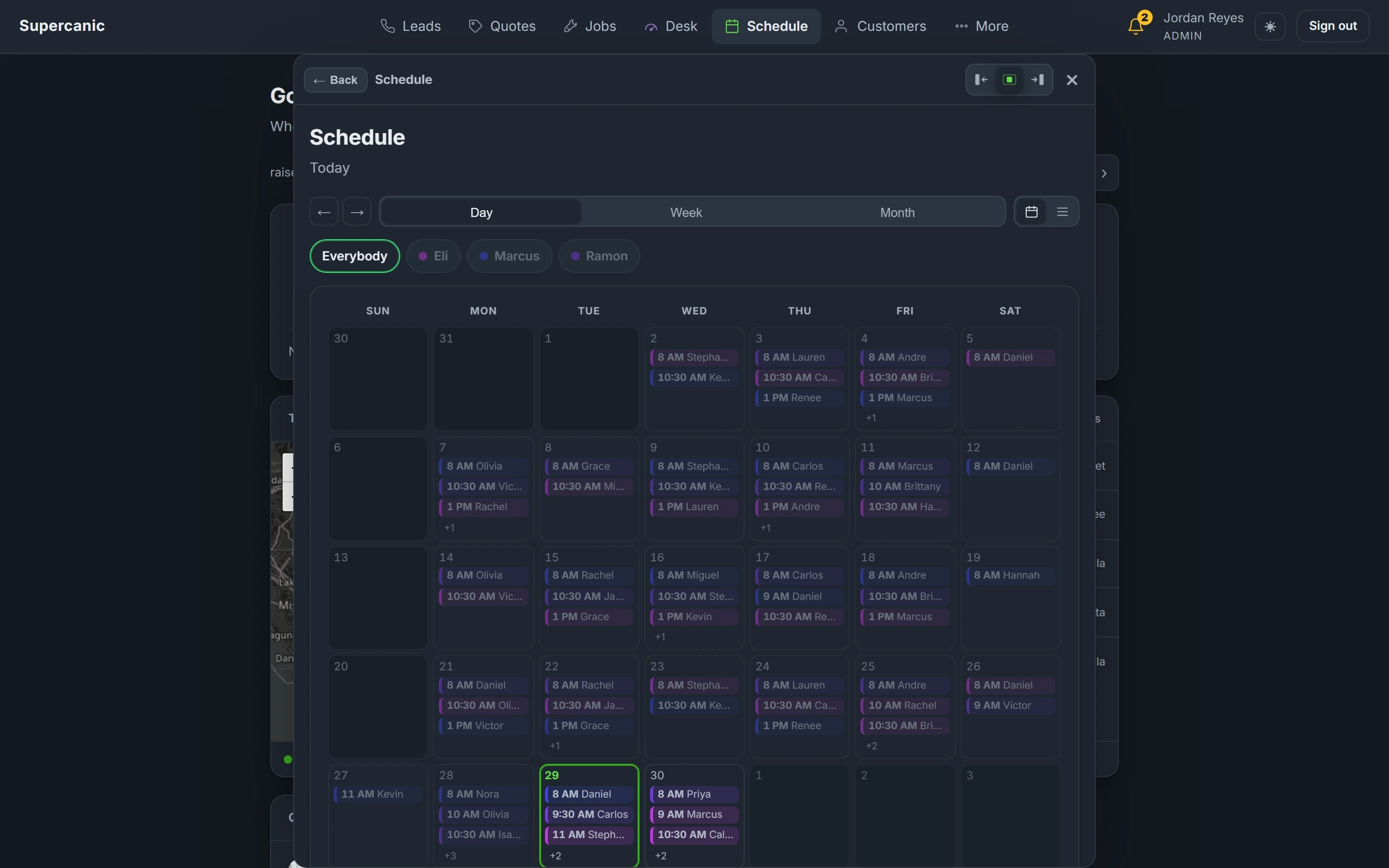
Every job is marked Mobile or In the shop, so a crew that does both can see which is which at a glance. Today's jobs sit on a map by town, and every job has a navigate link that opens the directions on your phone.
The schedule shows the day, the week or the month, with the car and the customer already on each booking. For a one van shop that is the dispatch board. For a bigger crew, the job card has a step for who is going.
- Mobile or In the shop on every job
- Today's jobs on a map, by town, never an exact address
- A navigate link on every job
Look It Up Without Leaving the Job
Paste the VIN and press decode, and the year, make and model fill in from the federal vehicle database. Pick the car and the desk pulls its open recalls and owner complaints, then opens the manual sources for it.
The repair AI answers in plain words. Ask what causes a code on this exact engine, what to check first, or how long the job should take. It suggests a labor time and you accept it or change it. It is a suggestion, never a price.
Labor guides are links to your own account. ProDemand and ALLDATA open from inside the job, but you need your own subscription. We do not resell them.
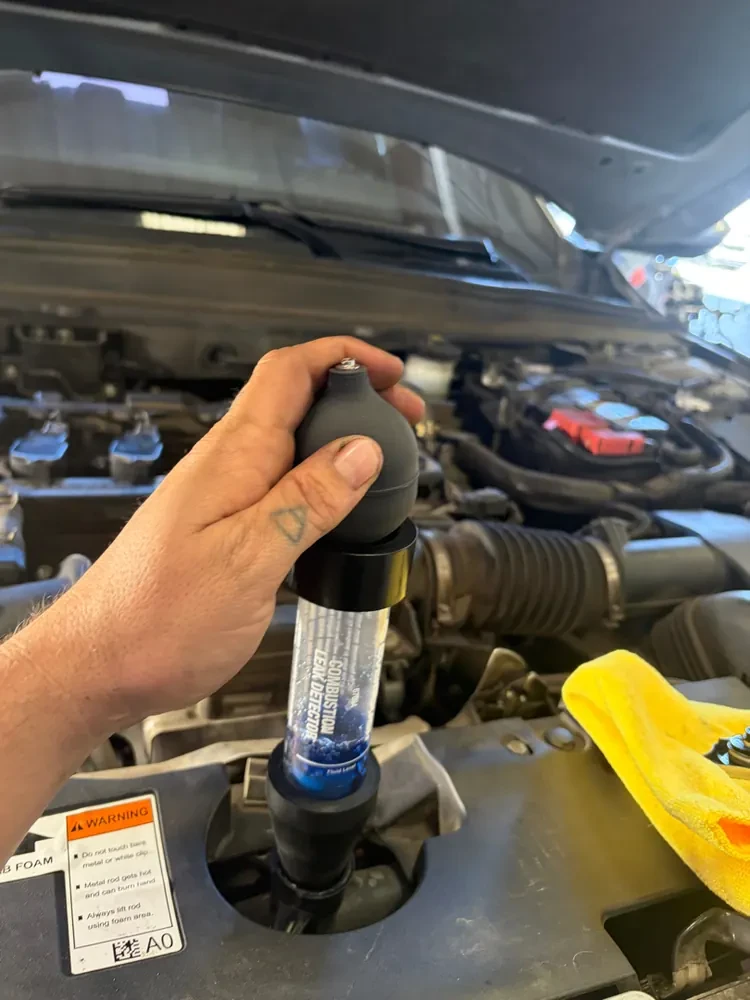
Your Counter First. Not Whatever Is Cheapest Online.
Your suppliers sit on the Parts screen in the order you ring them, each with its phone number and your account number. A counter that answers and has the part beats a cheaper one that does not, and only your shop knows that order.
The desk does not search a parts catalog or place orders yet. You call or order the way you do now, put your real cost on the line, and your markup bands turn it into the customer's price. It remembers what you paid last time, so the next quote prices itself.
They Follow the Job From Their Driveway
One text opens their page. No app and no password. They see the stage the job is at, the photos your tech took, the price before the work starts and the receipt after. They can approve, sign and pay from the same link.
There is a fleet version too, with every van and every job on one page for the office manager. Both are live demos with invented customers: the customer page and the fleet page.
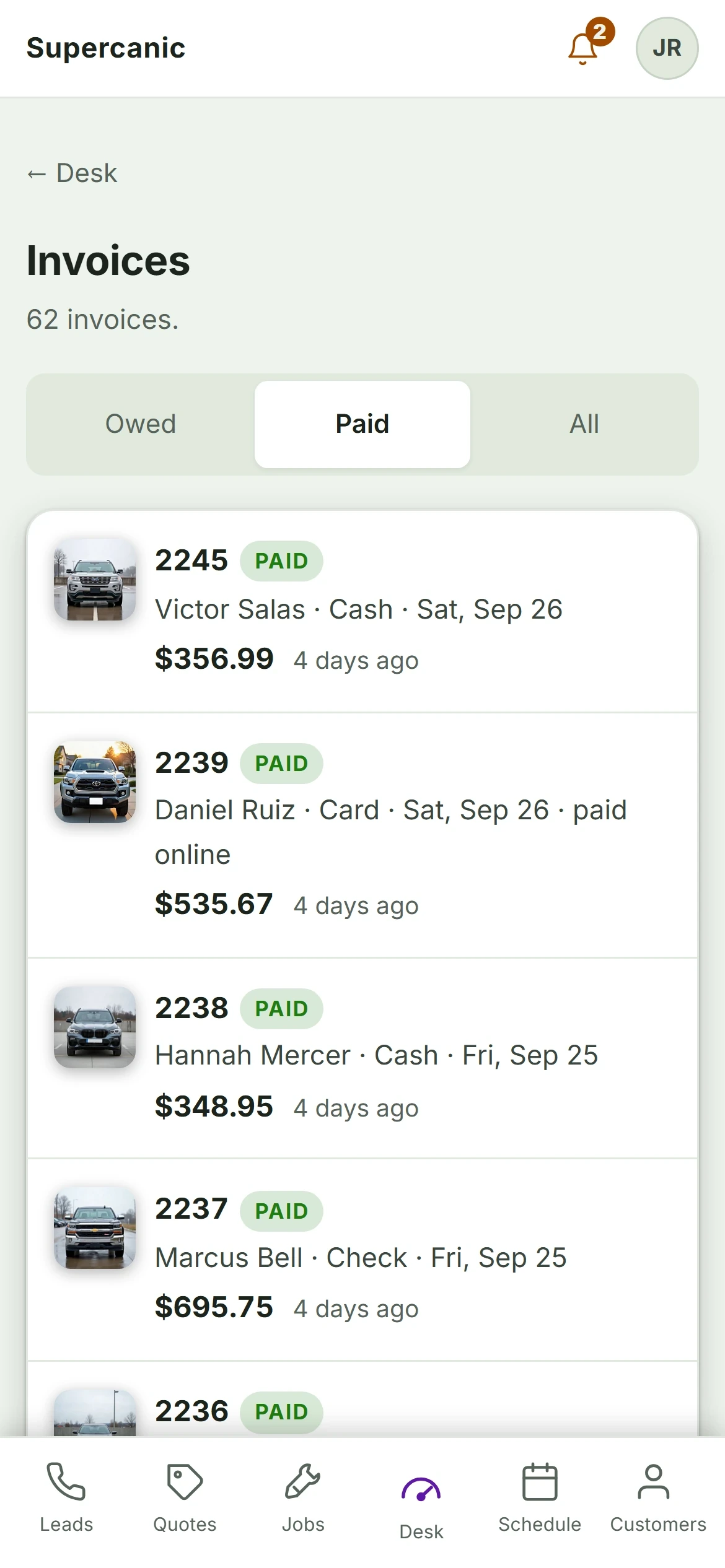
Bill It, Get Paid, Pay the Techs
The invoice is built from the job that was approved. Payment closes the job on its own, so nothing sits finished and unbilled unless you let it. Cash, check and transfer are recorded the same way a card is.
Payroll runs off the same jobs. Flat rate, hourly or commission, per technician, figured from the work that actually went out the door. Parts deposits are tracked on their own, so a deposit never quietly pays somebody commission.
Card payments run on your own payment gateway. That takes a short setup call with us. The desk refuses to bill a card against another shop's merchant account on purpose, because the alternative is money landing in the wrong place.
Free to Start. Pro Is $149 a Month.
Most mobile mechanics start free and move to Pro when they want their own texting number and the text back. Nobody takes a card at sign up.
Free
$0
Forever. Not a trial, and no card at sign up.
- The job board, quotes and the technician walk
- Quotes the customer approves and signs on their phone
- Digital inspections and the photo hub
- The customer page, with no app and no password
- VIN decode, recall lookups and the repair AI
Pro
$149
A month. A little under $5 a day.
- Everything in Free
- Your own texting number, set up by us
- Missed call text back and the follow up texts
- Invoicing and payroll on flat rate, hourly or commission
- Card payments on your own gateway, after a short setup call
Prices read from our own sign up page on 3 October 2026. Cancel at the end of any month. Cash, check and transfer can always be recorded against an invoice. Taking cards needs your shop on its own payment gateway, which is a short call with us, so it does not happen on day one.
What a One Van Shop Needs, and What It Does Not
The big systems are good software built for shops with bays, advisors and a counter. They price that way too. Here is how they line up for one van, from their own pricing pages on 3 October 2026.
| Shop Desk | Tekmetric | Shopmonkey | AutoLeap | |
|---|---|---|---|---|
| Lowest monthly price | $0 free plan. Pro $149 | $199 Start ($179 on annual) | $239 Basic ($215 on annual) | $199 Essentials ($179 on annual) |
| Free plan or trial | Free plan, no card | Demos, not free trials | Not stated on the pricing page | No free trial |
| Setup or migration fee | None | None stated | $500 data migration | One time setup fee, amount not published |
| Missed call text back | Yes, on Pro | Not advertised on the pages read | Not advertised on the pages read | AI receptionist add on from $99 a month |
| Parts ordering inside the app | No, not yet | Yes | Yes | Yes |
| Mobile mechanic page | Built by mobile mechanics | No dedicated page found | Yes | Yes |
Read from each company's own website on 3 October 2026. Prices change, so check theirs before you decide. Full comparisons: Tekmetric, Shopmonkey, AutoLeap.
Guides for the Business Side of Mobile Repair
The software is half of it. These guides come from running our own mobile crew in Southern California.
How to Start a Mobile Mechanic Business
How to start a mobile mechanic business in the order that saves money. Paperwork, insurance, tools, prices and software for day one.
Mobile Mechanic Business Plan
A mobile mechanic business plan you can fill in tonight. The seven sections, the numbers, and a worked example of break even jobs a week.
How Much to Charge as a Mobile Mechanic
What a mobile mechanic charges, from a working mobile shop's own price list. Call out fees, labor rates, common jobs, and your own rate.
Free Mobile Mechanic Invoice Template
A free mechanic invoice template. Fill it in here, then print it or save a PDF. Labor, parts, call out fee and tax. Nothing is sent anywhere.
Auto Repair Invoice Software
Invoice software for small and mobile auto repair shops. Built from the signed quote, paid from a link, unpaid ones on one screen.
Best Apps for Mobile Mechanics
The apps a mobile mechanic needs on the phone, from a working mobile shop. Quoting, invoicing, texting, maps, manuals and photos, and which can be one app.
Two Things We Will Not Oversell
Labor guides are links to your own account. Shop Desk opens ProDemand and ALLDATA from inside the job, but they are portals you log into, not a feed we resell.
You cannot take cards on day one. Card payments need your shop on its own payment gateway, and that is a short setup call with us rather than a checkbox. There is also no route optimization, GPS tracking or offline mode yet. If your van works where there is no signal, the desk shows a No signal card and waits.
Questions Mobile Mechanics Ask
What is the best software for a mobile mechanic?
Is there free mobile mechanic software?
Can I take payment at the car?
Does it do routing and dispatch?
Does it work without signal?
Is there an app in the App Store?
How do I start a mobile mechanic business?
The Mobile Mechanic Guides
- How to Start a Mobile Mechanic BusinessThe order to do it in
- Mobile Mechanic Business PlanA plan you can fill in tonight
- How Much to Charge as a Mobile MechanicOur real prices, and the math
- Free Mobile Mechanic Invoice TemplateFill it in, print it, done
- Auto Repair Invoice SoftwareFor small and mobile shops
- Best Apps for Mobile MechanicsWhat earns a spot on your phone
- Auto Repair Shop SoftwareFree to start, built in our own shop
- Free Auto Repair SoftwareWhat is free, and what is a trial
- Missed Call Text BackAnswer the call you could not take
- Shop Desk vs TekmetricFor a small or mobile shop
- Shop Desk vs ShopmonkeySeats, fees and texting
- Shop Desk vs AutoLeapSetup fees and the AI phone
Ask a Mechanic Who Uses It
Not ready to sign up? Tell us how your shop runs and what your software gets wrong today. One of us will call you back, and we will tell you straight if Shop Desk is not the right fit.
- A person reads it, usually the same day
- No sales sequence and no drip emails
- We run our own shop on this software
Rather email? Write to hello@yourshopdesk.com