Free Mobile Mechanic Invoice Template
Fill it in below and print it or save it as a PDF from your phone. It works for mobile mechanics and auto repair shops. No sign up, and nothing you type leaves this page.
Free plan, not a trial. No card. We look at every new shop ourselves and switch it on, usually the same day.
Nothing you type leaves this page. Refresh and it is gone.
What a Mechanic Invoice Needs
An invoice is the record of what you did, what it cost and that the customer agreed. Leave something off and you have nothing to point to when the car comes back.
- Your business name, address, phone and any repair registration number your state requires
- The customer's name and phone
- The car: year, make, model, VIN and miles
- Each labor line, with hours and rate
- Each part, with the part number if you have it
- The call out or diagnostic fee as its own line
- Tax, the total and how it was paid
When a Template Stops Being Enough
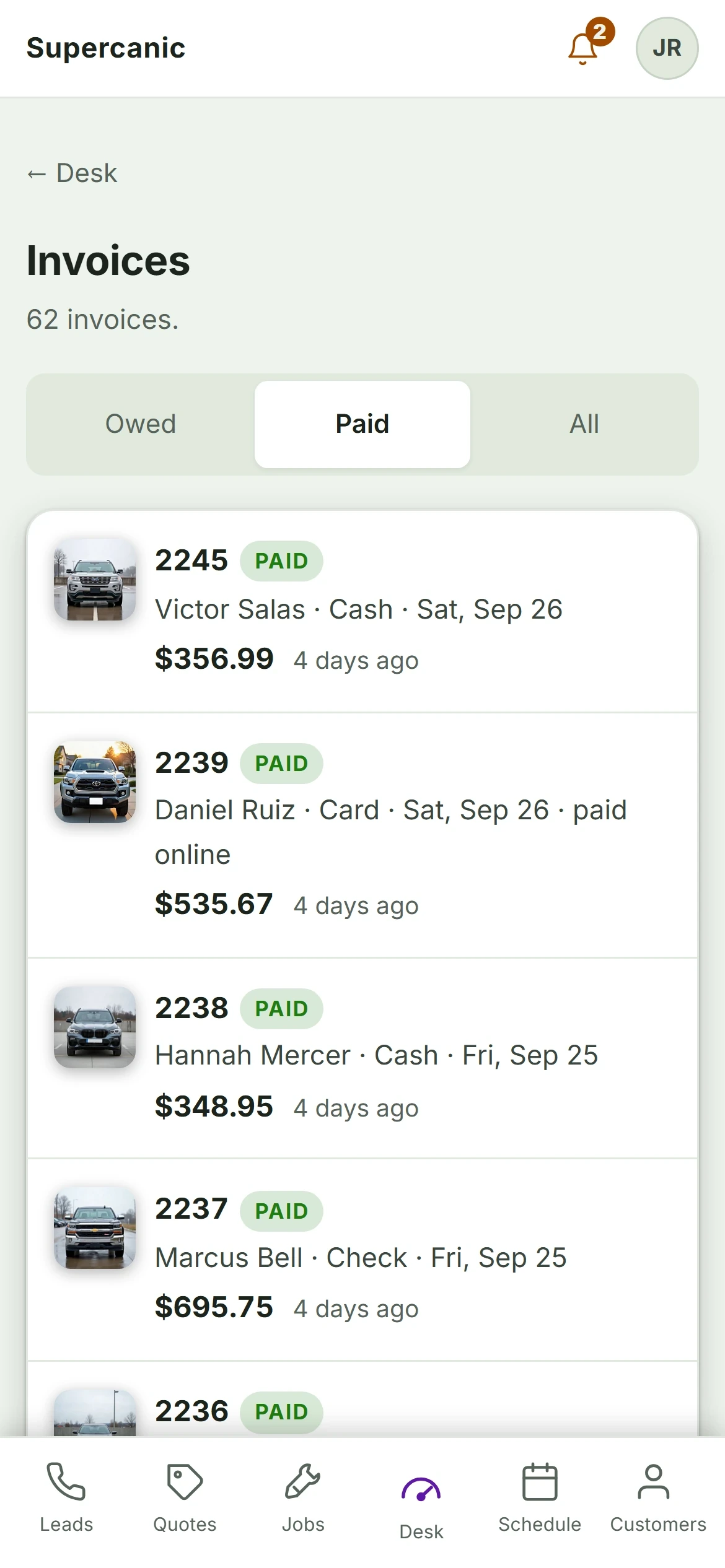
A template is fine for the first few jobs. It stops working when you have to find last month's invoice for a comeback, chase the ones nobody paid, or prove the customer agreed to the price.
In Shop Desk the invoice is built from the quote the customer signed, so the total cannot drift. Payment closes the job, and the unpaid ones show on the board. The free plan covers quotes and approvals. Invoicing is on Pro.
Questions About Mechanic Invoices
What should be on a mechanic invoice?
Is this invoice template free?
How do I save the invoice as a PDF on my phone?
Should a mobile mechanic charge tax on labor?
What is the best invoice app for a mobile mechanic?
More for Mobile Mechanics
- Mobile Mechanic SoftwareRun the van from your phone
- How to Start a Mobile Mechanic BusinessThe order to do it in
- Mobile Mechanic Business PlanA plan you can fill in tonight
- How Much to Charge as a Mobile MechanicOur real prices, and the math
- Auto Repair Invoice SoftwareFor small and mobile shops
- Best Apps for Mobile MechanicsWhat earns a spot on your phone
- Auto Repair Shop SoftwareFree to start, built in our own shop
Ask a Mechanic Who Uses It
Not ready to sign up? Tell us how your shop runs and what your software gets wrong today. One of us will call you back, and we will tell you straight if Shop Desk is not the right fit.
- A person reads it, usually the same day
- No sales sequence and no drip emails
- We run our own shop on this software
Rather email? Write to hello@yourshopdesk.com