A Custom CRM for Kitchen Remodelers
You sell a kitchen once, then build it over weeks with cabinets on backorder and a family living around the mess. Your desk would keep the design, the selections, the change orders and the draws on one job, so nothing gets lost between the showroom and the jobsite.
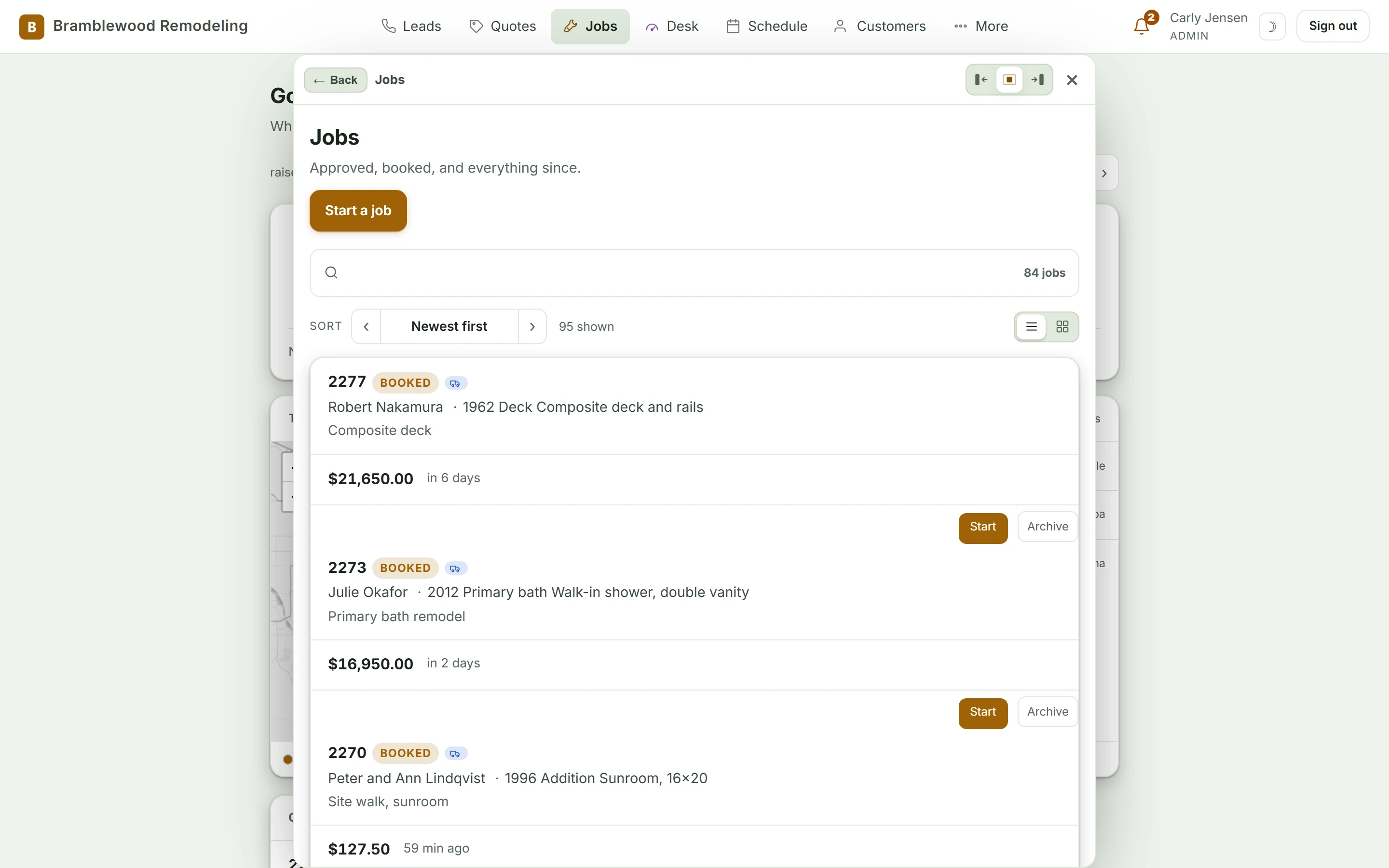
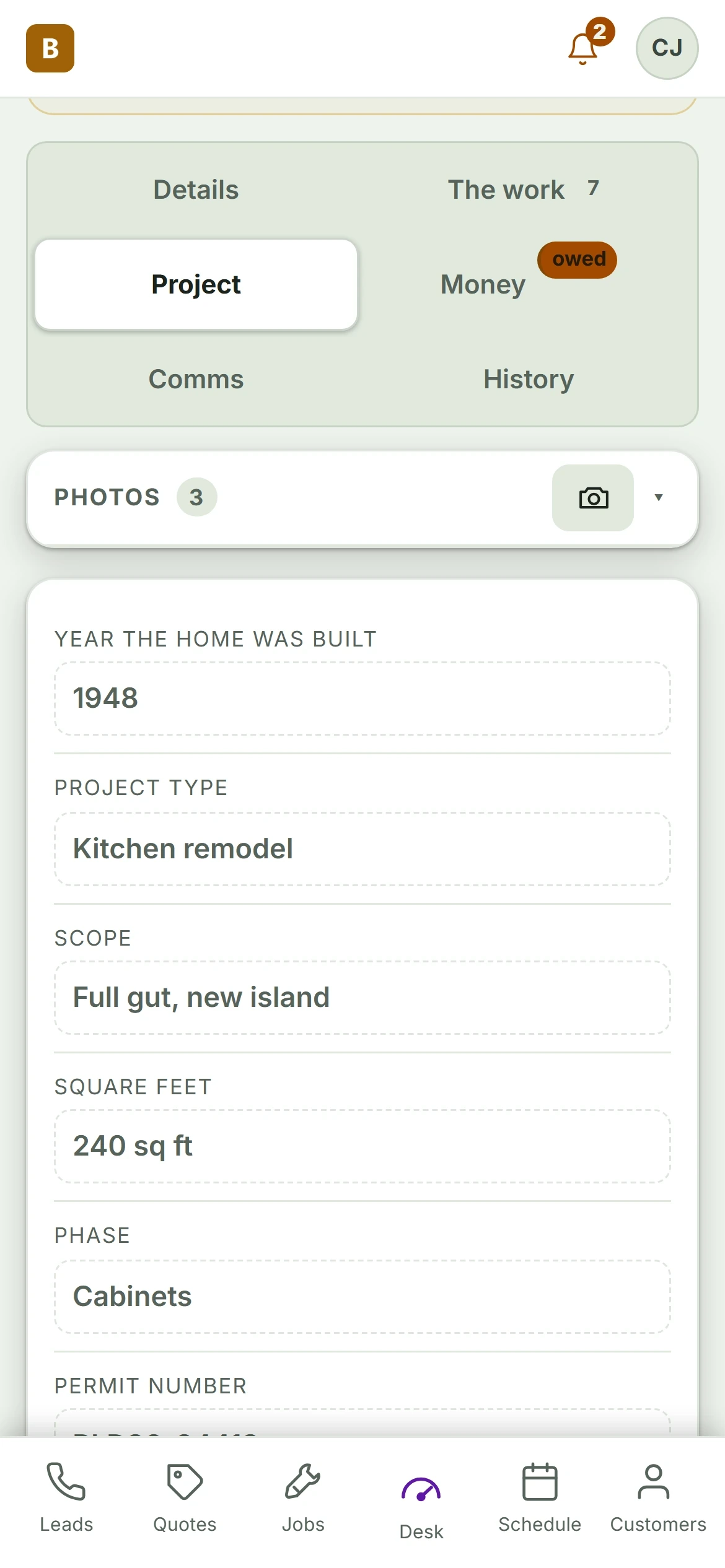
Shown: Bramblewood Remodeling, a demo desk with invented customers. Yours wears your name and your words.
From the First Call to Paid, in Kitchen Remodeling Words
Every kitchen remodel moves down the same line. We name each stop the way your crew already does.
- 01Call
- 02Design Visit
- 03Selections
- 04Contract
- 05Demo and Install
- 06Punch List
- 07Final Draw
A kitchen remodel on your desk hangs off the home and its layout.
So the card asks for what you actually need, and nothing a kitchen remodeling business would never fill in.
- Cabinet line and finish
- Countertop material
- Appliance list
- Layout sketch and measurements
- Change orders
- Draw schedule
Where Kitchen Remodeling Businesses Lose Work
Change Orders Done on a Handshake
The homeowner asks for a pot filler during rough in and your lead says sure. If it never gets written up and signed, you eat the plumber and the fixture.
Design Visits That Go Cold
You spend two hours measuring and drawing, then the quote sits in an inbox. Without a chase, that family signs with whoever called them back first.
Draws Nobody Asked For
Cabinets are set and the next draw is due, but no one sent the invoice. Cash stays tied up in materials while the crew waits to get paid.
Fitted to How You Already Work
Selections in One Place
Door style, hardware, counters, backsplash and appliances live on the job with photos and model numbers. Your installer sees the same list the homeowner signed off on.
Change Orders Signed From the Phone
Your lead writes the change on the job card, prices it off your rates and sends it. The homeowner signs from their phone before anyone picks up a tool.
Draws Tied to Milestones
Set the draw schedule when the contract is signed. When demo or cabinet set is marked done, the next invoice goes out with a pay link.
A Job Page the Homeowner Can Check
The family sees progress photos, the schedule and what is on backorder without calling you. Fewer status calls, and more trust at the final walkthrough.
What Kitchen Remodeling Owners Ask
Can it track cabinets and appliances that are on backorder?
Can my designer and my install crew see different things?
How long does it take to set up?
How long does a custom desk take?
Do we own it?
Tell Us How Your Kitchen Remodeling Business Runs
We will tell you honestly what a desk fitted to it would take.