A Custom CRM for Commercial Security and Access Control
A door that will not unlock or a camera that went dark is an emergency for your customer. Here is what your desk would track from the site walk to the monitoring contract, one site at a time.
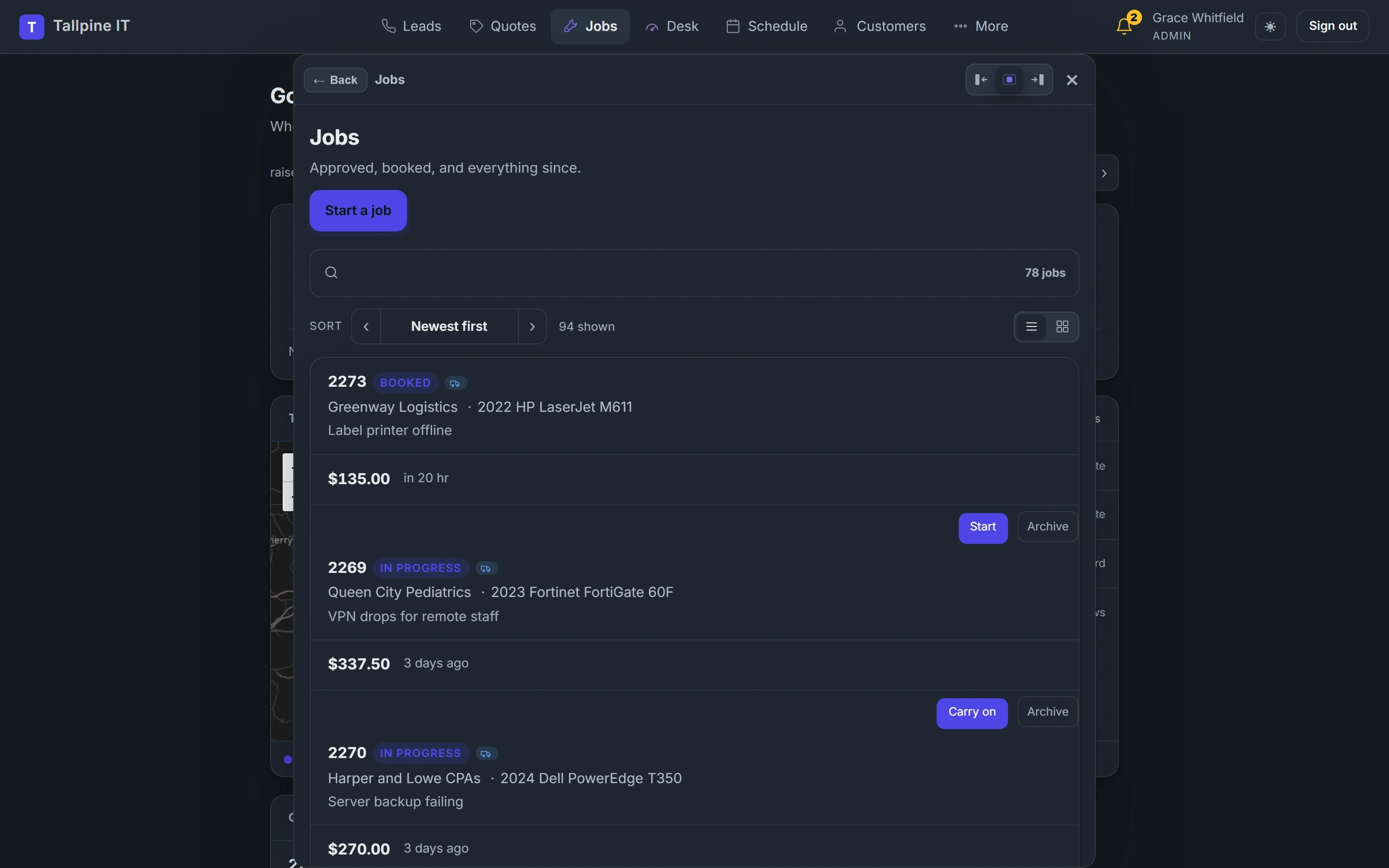
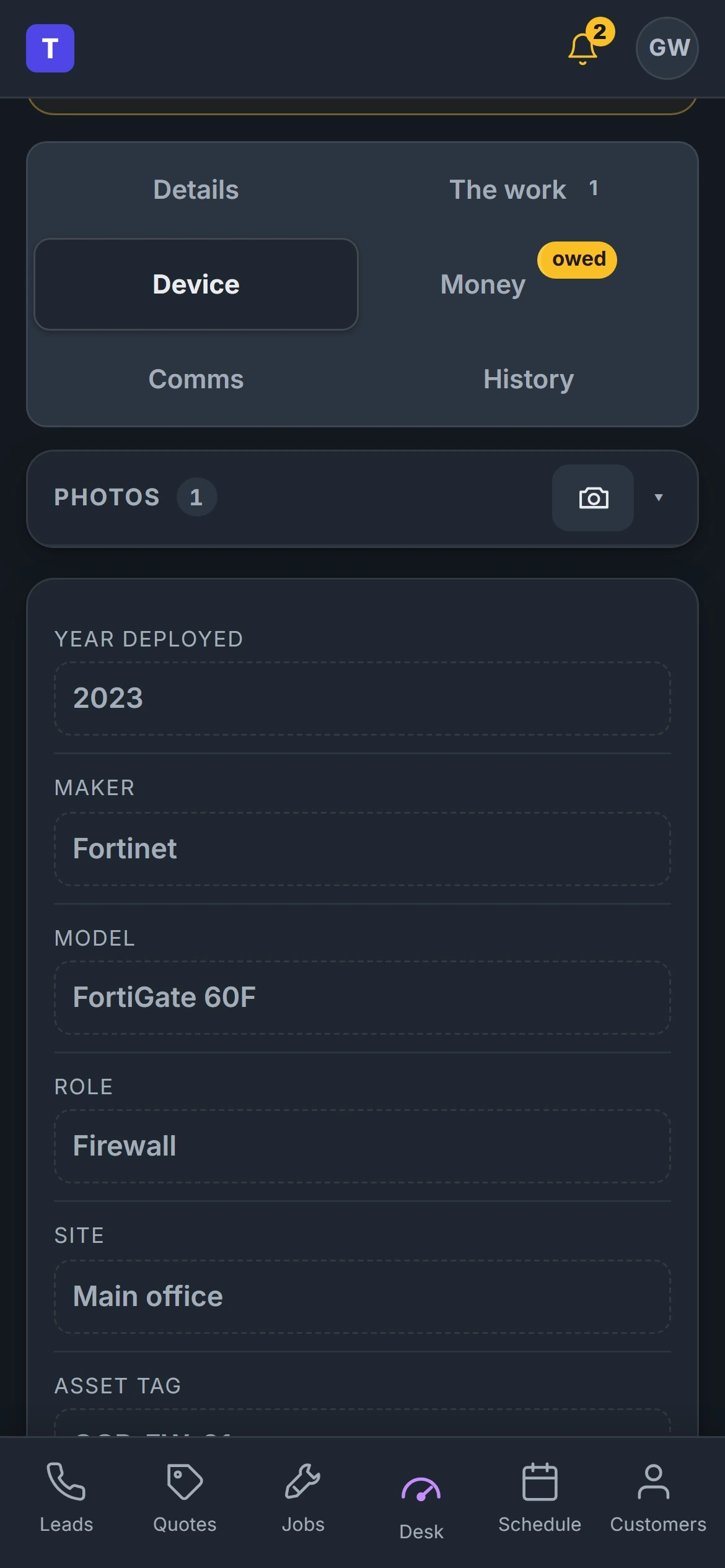
Shown: Tallpine IT, a demo desk with invented customers. Yours wears your name and your words.
From the First Call to Paid, in Commercial Security and Access Control Words
Every install or service call moves down the same line. We name each stop the way your crew already does.
- 01Lead
- 02Site Walk
- 03Proposal
- 04Signed
- 05Install
- 06Programming and Handoff
- 07Monitoring
An install or service call on your desk hangs off the site and its devices.
So the card asks for what you actually need, and nothing a commercial security and access control business would never fill in.
- Doors and readers
- Camera count
- Panel location
- Monitoring contract
- Inspection due date
- Site contacts
Where Commercial Security and Access Control Businesses Lose Work
Change Orders Nobody Bills
The customer adds three doors during install and the tech just does it. That work never makes it onto an invoice.
Slow Answers on Service Calls
A reader fails at shift change and the customer cannot reach anyone. They start looking for a new integrator.
Monitoring Renewals Left to Chance
Recurring revenue is the best part of this business. When the contract ends without a call, it walks.
Fitted to How You Already Work
Change Orders Signed on the Spot
The tech writes up the added work on their phone and the customer signs before it starts. It lands on the invoice without chasing.
A Device Map for Each Site
Every door, reader, camera and panel is listed with photos and location notes. The service tech knows where everything is.
Service Calls Answered Fast
Calls and texts get a quick reply and land on the board by site. The on call tech gets paged with the site history.
A Renewal and Inspection Calendar
Monitoring contracts and inspection dates show well ahead. Customers get a reminder and your team gets a call list.
What Commercial Security and Access Control Owners Ask
Can it handle customers with many sites?
Will door codes or system passwords live in the desk?
Can it bill monitoring every month?
How long does a custom desk take?
Do we own it?
Tell Us How Your Commercial Security and Access Control Business Runs
We will tell you honestly what a desk fitted to it would take.